Yealink WH62 – Professional DECT Wireless Headset for PC and Desk Phones
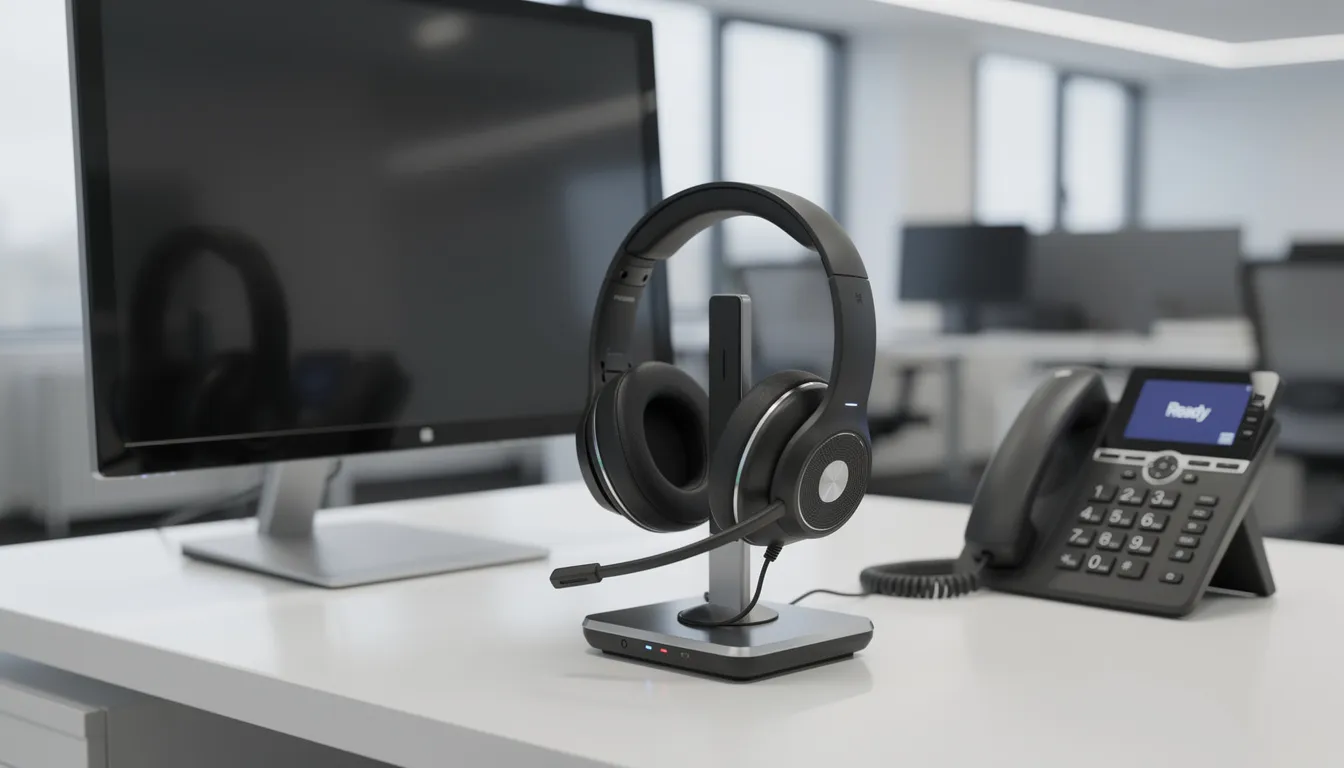
Above all, finding a wireless headset that handles both your desk phone and PC without awkward adapters or dropped connections can feel like searching for a needle in a haystack. The Yealink WH62 aims to solve exactly that problem, subsequently, offering DECT wireless technology purpose-built for modern office and hybrid work environments.
Introduction to Wireless Headsets
In the same vein, wireless headsets have transformed the way professionals communicate, offering the flexibility to move freely around the office without being tethered to a desk phone or computer. Likewise, the Yealink WH62 Dual Wireless Headset exemplifies this wireless freedom, boasting an impressive wireless range of up to 525 feet—so users can stay connected to calls during movement between rooms or collaborating with colleagues.
Designed for today’s dynamic work environments, the WH62 supports dual connectivity, allowing you to connect to both your desk phone and PC at the same time. This means you can easily switch between calls on your Yealink IP phone and video meetings on your computer, all with the touch of a PC button or phone button. The headset is fully compatible with major UC platforms, including seamless integration with Microsoft Teams, ensuring a consistent call experience no matter which platform you use.
Yealink Acoustic Shield technology
One of the standout features of the WH62 is its Yealink Acoustic Shield technology. Using a dual-microphone array, this technology intelligently filters out background noise, delivering HD voice quality and ensuring your conversations remain clear and distraction free—even in busy open office environments. Whether you’re handling customer calls or joining a video conference, you can count on better communication quality and a private conversation every time.
Comfort is just as important as performance, and the WH62 is designed to ensure all day comfort. With a lightweight build, adjustable headband, and soft, easily replaceable ear cushions, the headset adapts to various preferences and extended wear. Plus, with up to 14 hours of talk time and a quick 2.5-hour charge, you’ll have reliable day power for even the busiest schedules.
Intuitive controls—including a dedicated voice assistant button, PC button, and phone button—make it easy to manage calls, adjust volume, and activate features directly from the headset. Whether you’re answering an incoming call, muting your mic, or switching between devices, the WH62 puts you in control of your communication.
With its blend of wireless range, dual connectivity, HD voice, and user-focused design, the Yealink WH62 stands out as a top choice for professionals seeking a wireless headset that delivers both performance and comfort across all their daily communication needs.
Quick Overview of the Yealink WH62
To sum up, the Yealink WH62 is a professional DECT wireless headset available in two variants—WH62 Mono and WH62 Dual—launched as part of Yealink’s WH6x series. Moreover, it represents an entry-level solution designed for users daily communication needs across both PC and desk phone simultaneously.
In conclusion, this headset connects via USB to compatible Yealink IP phones and computers, delivering dual connectivity without requiring EHS adapters on most Yealink devices. In short, the focus here is on call clarity, all-day comfort, and straightforward deployment for open office environments.
-
Wireless range up to 525 feet (160 meters) in ideal conditions
-
Native support for major UC platforms including Microsoft Teams certified versions
-
DECT wireless technology with 128-bit encryption for private conversation security
-
HD voice quality through Yealink Acoustic Shield technology with dual microphones
-
Compatible with Yealink IP phones (T4U, T5 series) and PC softphones
Who is it for?
-
Call center agents handling high call volumes throughout the day
-
Office workers in open office environments needing distraction free conversation
-
Hybrid and remote workers switching between video conferencing and phone calls
-
IT teams deploying standardized communication equipment across organizations
Main Features and Technical Highlights
This section outlines the core technical capabilities of the WH62 without diving into full specification sheets. In other words, these are the features that matter for day-to-day use and purchasing decisions.
Available Variants and Audio Technology
-
WH62 Mono (single ear) and WH62 Dual (dual ear) configurations
-
DECT wireless technology providing secure, interference-free audio transmission
-
Super wideband audio for natural voice reproduction during calls
-
Full-band stereo music mode on the Dual variant (20 Hz to 20 kHz)
Battery and Range Specifications
-
Talk time: approximately 13 hours (Mono) to 14 hours (Dual) for day power needs
-
Standby time: 90 hours (Mono) to 125 hours (Dual)
-
Wireless range up to 160 meters / 525 feet from the base station
-
Full charge in approximately 2.5 hours via micro USB connection
Controls and Connectivity
-
Integrated call control buttons on headset: answer end, mute function, call volume adjustment
-
PC button and phone button for switching between connected devices
-
Dedicated voice assistant button on Teams-certified versions to activate Cortana or launch Teams
-
Native USB connectivity supporting multiple Yealink USB devices
-
Yealink USB Connect software compatibility for adjusting all the settings on Windows and macOS
Connectivity and Compatibility
In addition, the WH62 is built around dual connectivity, serving as a bridge between desk phones and computers. For example, this eliminates the need for separate headsets for different communication devices.
PC and Desk Phone Connections
-
Base connects via USB A cable to PCs and laptops for softphone applications
-
Second micro USB port connects to Yealink IP phones without extra EHS cables
-
Users can easily switch between PC and desk phone with dedicated buttons on the base
-
When an incoming call arrives on either device, the conversation begins with a single button press
Yealink Phone Compatibility
-
Works natively with Yealink T4U and T5 series phones
-
Requires firmware version V86 or later for guaranteed compatibility on many models
-
No EHS adapter needed for compatible Yealink devices—true plug-and-play operation
-
Refer to Yealink’s official compatibility list for specific model confirmation
Third-Party Device Support
-
Compatible with Cisco, Avaya, and other major desk phone brands via USB or EHS where applicable
-
Works with Digium, Grandstream, and Poly devices depending on model specifications
-
Behavior may vary by manufacturer—testing recommended before large deployments
Note: The WH62 does not include built-in Bluetooth connectivity. Mobile phones must connect through the PC or desk phone rather than directly to the headset. However, if mobile integration is essential, consider the WH66 series instead.
Audio Quality and Noise Reduction
Above all, the WH62 is designed for noisy offices and remote workspaces where background noise threatens communication quality. Yealink created this headset with professional calling environments specifically in mind.
Yealink Acoustic Shield Technology
-
Dual-microphone array analyzes ambient sound and suppresses background distractions
-
Far-end listeners primarily hear the speaker’s voice, not office chatter or keyboard noise
-
Acoustic Shield technology works continuously without user intervention
-
Result: better communication quality for customer interactions and internal meetings
Audio Performance Features
-
Super wideband audio (100 Hz to 8 kHz at 16 kHz sample rate) delivers natural, less fatiguing sound
-
HD voice ensures voices sound clear and intelligible during long calls
-
Sidetone support lets users hear a bit of their own voice, improving speaking comfort and volume control
-
Consistent call experience regardless of environmental conditions
Intelligent Mute Zone
-
When the mic boom is lifted above approximately 30 degrees, the microphone automatically mutes
-
Provides intuitive mute control without pressing buttons
-
Prevents accidental transmission during conversations with nearby colleagues
Moreover, these audio features benefit common use cases including call center queues, Microsoft Teams meetings, and video conferencing sessions where clarity is paramount.

Design, Comfort, and Everyday Use
The WH62 is engineered as an all-day headset for intensive calling roles where comfort directly impacts productivity and user satisfaction.
WH62 Mono vs WH62 Dual
|
Feature
|
WH62 Mono
|
WH62 Dual
|
|
Ear coverage
|
Single ear
|
Dual ear
|
|
Best for
|
Situational awareness, lighter weight preference
|
Immersion in noisy environments
|
|
Talk time
|
~13 hours
|
~14 hours
|
|
Standby
|
~90 hours
|
~125 hours
|
|
Music playback
|
Standard
|
Full-band stereo
|
Both variants weigh approximately 127 grams, making them comfortable for extended wear. The choice between them depends on various preferences and working environment.
Physical Design Elements
-
Adjustable headband designed to ensure all day comfort across different head sizes
-
320-degree rotatable mic boom for optimal microphone positioning
-
Soft leather ear cushions that are replaceable when worn
-
Padded headband for extended wearing sessions
-
Busylight LED indicator signals “do not disturb” status to reduce interruptions
On-Headset Controls
-
Mute button for instant audio control
-
Volume up/down for call volume adjustment
-
Answer/end button for call management
-
Teams button on Teams edition for native software integration
Battery in Everyday Terms
A typical user can expect a full workday (8-10 hours) of active calls on a single charge. The charging base provides quick recharge when docked between calls. Docking the headset automatically starts charging and maintains pairing synchronization.
Setup, Management, and IT Administration
The WH62 is intended to be easy for end users to install and simple for IT teams to manage at scale. From unboxing to first call takes minutes, not hours.
Basic Setup Steps
-
Plug the base into your PC via USB
-
Optionally connect to Yealink IP phones via the second USB port
-
Dock the headset for automatic pairing with the base
-
Select WH62 as the audio device in your softphone or UC application
-
Adjust settings as needed through Yealink USB Connect
Yealink USB Connect Software
-
Available for Windows and macOS
-
Firmware updates for both base and headset components
-
Audio settings customization including equalizer adjustments
-
Button behavior configuration
-
Power management controls
-
Device monitoring and diagnostics
IT Administration Benefits
-
Centralized device management when deploying multiple Yealink USB devices (headsets, speakerphones, webcams)
-
Consistent firmware versions and settings across organization
-
Remote configuration capabilities for distributed teams
-
Supports high density installation in call centers without interference
Firmware updates can resolve compatibility issues, add features, and improve stability. IT teams should periodically check for updates through Yealink USB Connect or the Yealink website.
Use Cases, Pricing Guidance, and How to Choose WH62
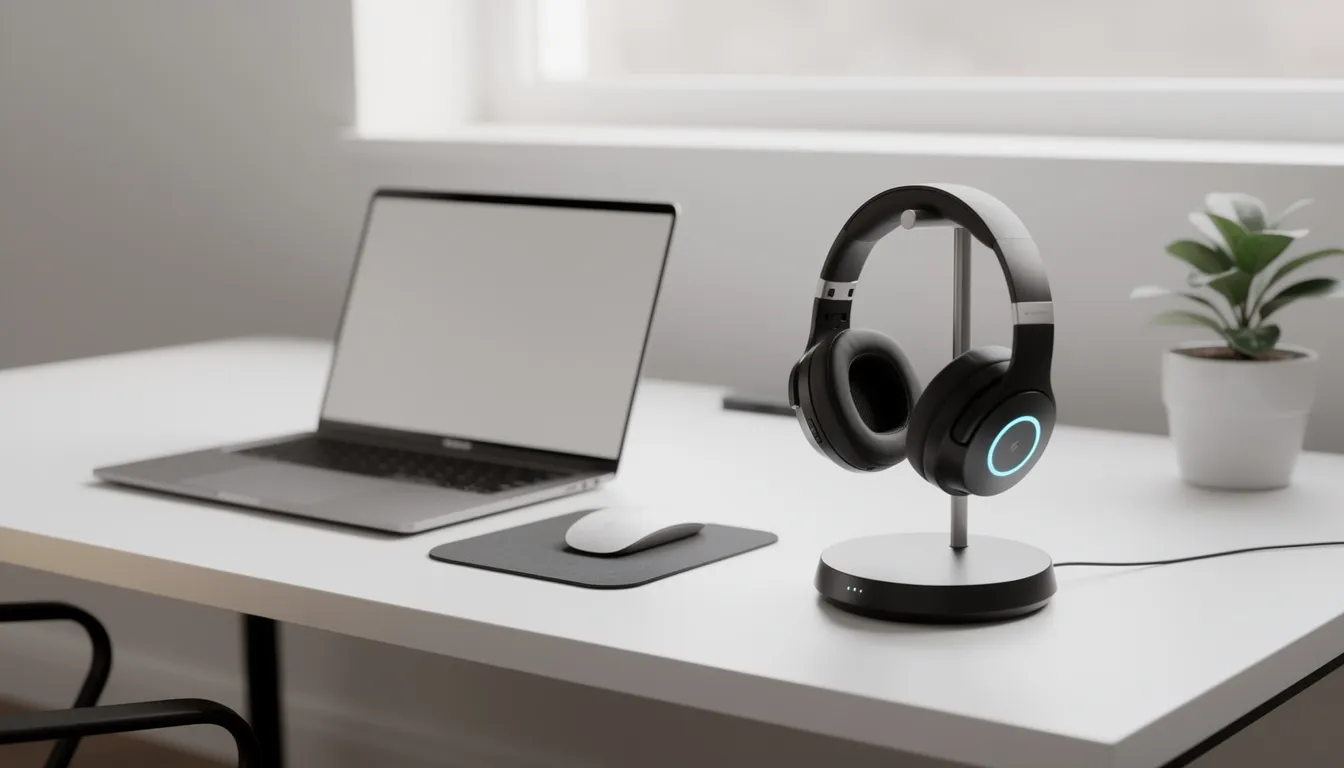
The WH62 is a mid-range professional DECT wireless headset positioned below the WH66 in Yealink’s portfolio. It delivers wireless freedom and reliable performance without the premium price tag of higher-end models.
Primary Use Cases
-
Open-plan offices and call centers requiring high density installation support
-
Hybrid workers using both a Yealink IP phone and UC client on their computer
-
Teams-centric environments leveraging the WH62 Teams edition for native Microsoft Teams integration
-
Organizations standardizing on Yealink infrastructure for video and voice communication
Typical Market Pricing
-
WH62 Dual UC: approximately USD 170-190 depending on region and reseller
-
WH62 Mono: slightly lower than Dual variants
-
Teams-certified versions may carry small premium over UC versions
Exact pricing varies by region, reseller, and volume. Verify current pricing at time of purchase.
Choosing the Right Model
|
Consider
|
When
|
|
WH62 Mono
|
You need situational awareness in quieter environments
|
|
WH62 Dual
|
You work in noisy spaces and want immersive audio
|
|
WH62 Teams
|
Your organization is Microsoft Teams-centric
|
|
WH66 instead
|
You need Bluetooth for mobile phone integration
|
|
DECT over Bluetooth
|
Your office has many wireless devices or you need extended range
|
The WH62 offers a strong balance of audio quality, long-range DECT performance, and straightforward deployment for businesses standardizing on Yealink phones and major UC platforms. For teams that need reliable wireless communication without complexity, the WH62 delivers the specifications and management capabilities that make IT deployment simple and end-user adoption smooth.
Frequently Asked Questions (FAQ)
Does the Yealink WH62 work with Microsoft Teams?
Yes. Teams‑certified versions include a dedicated Teams button and native integration, as noted in the document’s compatibility section .
Can the WH62 connect to mobile phones?
Not directly. The document states: “The WH62 does not include built‑in Bluetooth connectivity” and mobile devices must connect through PC or desk phone .
What is the wireless range?
Up to 525 feet (160 meters) in ideal conditions .
Is it comfortable for long workdays?
Yes. The headset includes a lightweight design, padded headband, and soft ear cushions for “all day comfort” .
-
Ready to upgrade your communication setup? Explore the Yealink WH62 and experience professional‑grade DECT performance.
-
Looking for a reliable wireless headset for hybrid work? The Yealink WH62 delivers clarity, comfort, and seamless connectivity.

